How to Manage Retail Inventory with POS and Stock Management Software?
Investing in a unified POS and stock management software is no longer reserved for large retail chains. Read our full Blog for more Information!
Running a retail business without the right technology is like navigating a ship blindfolded. You might stay afloat for a while, but eventually, you will hit an obstacle—whether it is tying up too much working capital in dead stock, missing out on sales due to out-of-stock items, or losing hours to manual stock counts.
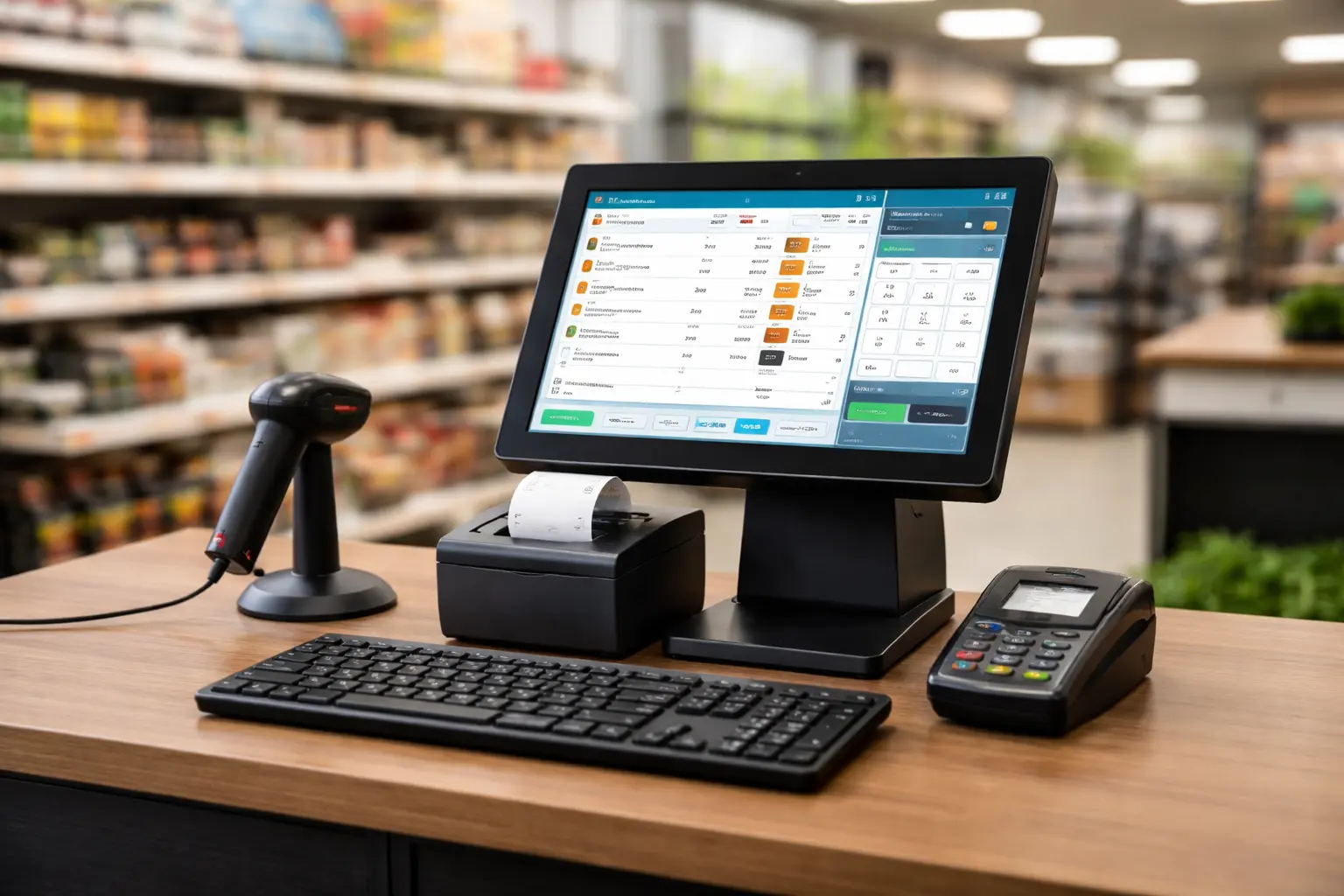
Fortunately, modern Point of Sale (POS) and stock management software have revolutionized how retailers track, manage, and scale their inventory.
In this complete blog, we will break down how integrating a smart POS with your inventory system can transform your retail operations, reduce overhead, and boost your bottom line.
Why Traditional Inventory Management Fails?
Before looking at the solution, let us look at the problem. Traditional stock management—relying on spreadsheets, manual ledger entry, or periodic physical audits—suffers from critical vulnerabilities:
Human Error
Manual data entry is a ticking time bomb for retail operations. When employees write down numbers or type SKUs by hand, mismatched counts, mislabeled items, and inaccurate records inevitably follow. These costly mistakes distort your financial reports, leaving you blind to your true inventory levels and hurting profitability.
Delayed Insights
By the time you realize a product is out of stock through traditional auditing, frustrated customers have already walked away to competitors. Waiting weeks for manual reports means you miss critical sales windows, struggle to spot emerging buying trends, and lose valuable opportunities to reorder fast-moving items on time.
Siloed Systems
When your checkout counter does not communicate with your back-office warehouse, you are always guessing your inventory levels. Operating on disconnected software creates blind spots between sales and storage, leading to frequent overselling, bloated stockrooms, and an uncoordinated customer experience that stalls overall business growth.
Automated Reordering and Low-Stock Alerts
Say goodbye to manual stock checks. Advanced software allows you to set minimum threshold levels for each product. When stock drops to a specific point, the system automatically triggers a low-stock alert or generates a purchase order for your suppliers, ensuring you never run out of your best-sellers.
Deep Sales Analytics and Forecasting
Understanding consumer purchasing behavior is key to profitable retail. Stock management software aggregates sales data to provide actionable insights:
Fast-Moving VS. Slow-Moving Items
Inventory software instantly highlights which products fly off your shelves and which ones collect dust. By identifying fast-moving items, you can restock proactively to prevent lost sales, while spotting slow-moving stock allows you to run targeted promotions, clear up shelf space, and free up valuable working capital.
Seasonal Trends
Consumer demand shifts dramatically throughout the year. Stock management software analyzes your historical sales data across past holidays, weather changes, and local events. This visibility allows you to plan inventory well in advance, avoiding stockouts during peak seasons and preventing leftover seasonal clutter afterward.
Product Profitability
Not all sales drive equal value. Integrated systems track cost-of-goods-sold alongside retail prices in real time, revealing your true margins. This data empowers you to optimize pricing strategies, negotiate better wholesale rates with suppliers, and focus your marketing efforts exclusively on your most profitable product lines.
Simplified Physical Audits and Cycle Counting
Annual stock takes used to mean closing the store for a day and spending hours counting every single item. With integrated barcode scanning and mobile POS devices, you can perform cycle counts—counting small sections of your inventory on a rotating schedule—without disrupting your daily business operations.
Best Practices for Implementing Retail Inventory Software
To maximize your return on investment (ROI) when adopting a new POS and stock management system, follow these proven best practices:
Audit and Clean Your Data First
Before migrating to a new platform, perform a thorough physical count and clean up your item descriptions, SKUs, and categories. Eliminating duplicate entries, outdated products, and pricing errors ensures a seamless transition. Remember: garbage in equals garbage out when building a reliable digital inventory system.
Choose a Cloud-Based Solution
Cloud POS systems empower you to check inventory levels, review sales reports, and manage staff from anywhere. Whether you are on the sales floor or miles away, real-time cloud synchronization guarantees you always have accurate, up-to-date data right at your fingertips to make fast, informed business decisions.
Train Your Staff Thoroughly
Even the best software will fail if your team does not know how to use it properly. Invest dedicated time in training cashiers and floor managers on standard operating procedures, barcode scanning, and troubleshooting. Proper onboarding prevents costly human errors and accelerates daily checkout speeds.
Integrate Your E-Commerce Channels
If you sell online through platforms like Shopify or WooCommerce, ensure your POS syncs seamlessly with your digital storefront. Unified integration automatically updates stock counts across all channels simultaneously, completely eliminating the risk of overselling items online that were just purchased in your physical store.
Conclusion
Investing in a unified POS and stock management software is no longer reserved for large retail chains. Small and medium-sized retailers need these tools to compete in a fast-paced market. By eliminating manual errors, preventing stockouts, and giving you crystal-clear visibility into your data, the right software lets you spend less time stressing over spreadsheets and more time growing your business.